Free AI influencer generator.
Describe the person, pick one of four generated faces, and AutoMuse locks that identity. From then on every photo, outfit and scene keeps the same face.
By the AutoMuse team · Updated
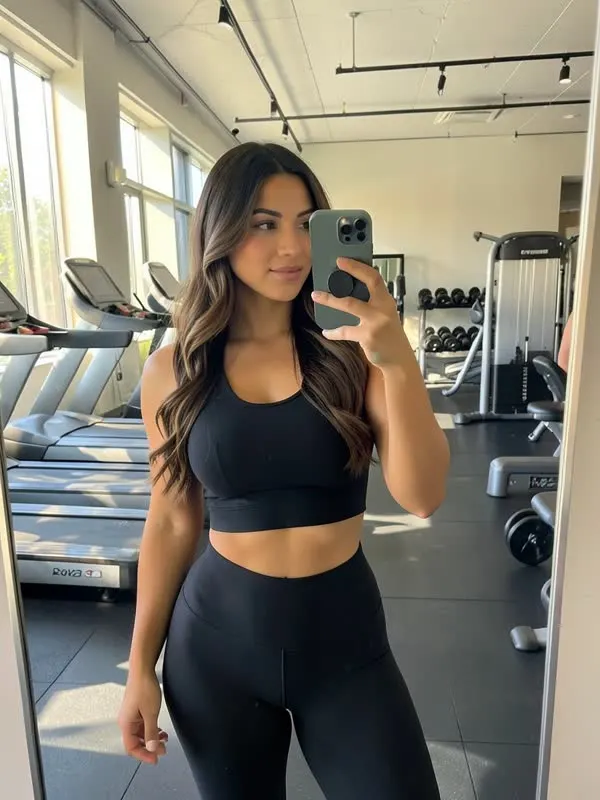
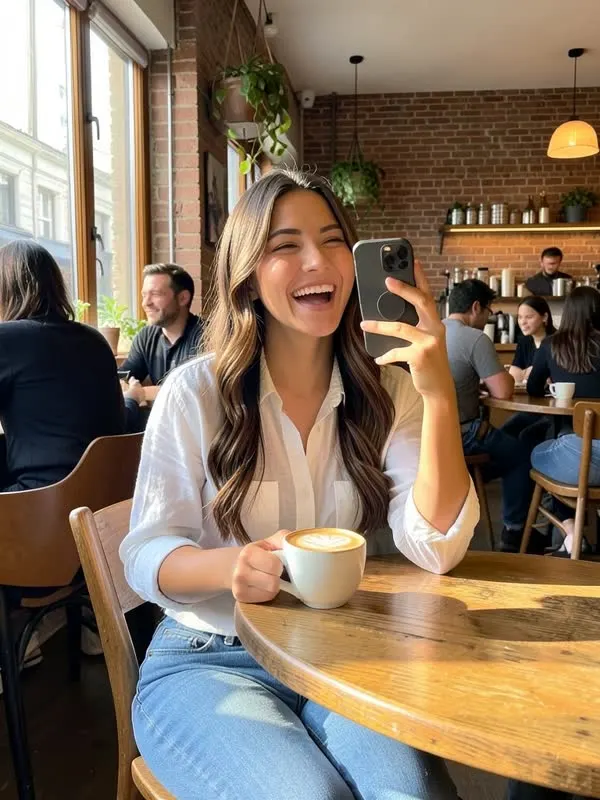

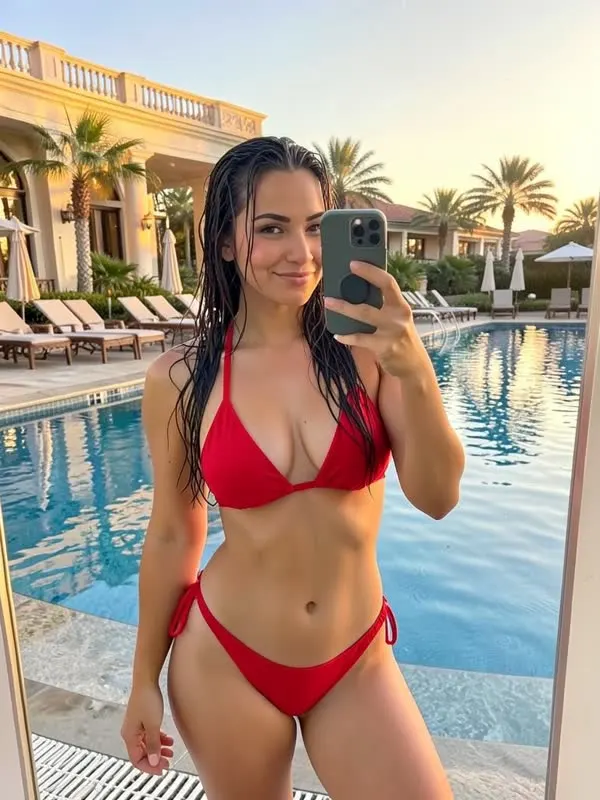
How to create an AI influencer
- Describe the look. One or two sentences: age (21+), hair, eyes, build and style. Stuck? Hit "Surprise me".
- Pick a face. AutoMuse renders four looks in about a minute. Choose the one that fits your brand.
- Give them a voice. AutoMuse writes a short bio and a caption voice, which you can edit.
- Start posting. Generate photos in any vibe, or turn on Autopilot for a month of planned posts.
What makes an AI influencer work
Consistency. Followers notice when a face changes from post to post. AutoMuse sends your model's reference photos with every request so the face, hair and body stay the same. More on that in the consistent character guide.
A clear niche. Fitness, travel, fashion and lifestyle accounts grow faster than accounts that post everything. Pick a niche when you create the model and AutoMuse uses it for ideas and captions.
Posting every day. The accounts that grow post daily. Daily packs give you three ready posts each morning in one click.
What you can make
- Photos in ten vibes, from casual and fitness to spicy and editorial
- Outfit swaps on any photo
- Short videos, dance clips and trending reel recreations (with a fal.ai key)
- Captions for eight platforms, in any language
FAQ
Is the AI influencer generator free?
Yes. Creating models and photos runs on a free engine with a daily allowance. No signup or card.
Can I use a real person?
Only if you are that person or have their written consent. AutoMuse asks you to confirm consent when you upload photos.
Can I make a male AI influencer?
Yes. Choose male, female or non-binary when you create the model.
Who owns the images?
You do. AutoMuse does not claim rights to what you generate. Check each platform's rules on labeling AI content.