Same face. Every photo.
The hardest part of an AI model is keeping them recognisable. AutoMuse sends your model's reference photos with every generation, so the identity holds across scenes, outfits and lighting.
By the AutoMuse team · Updated
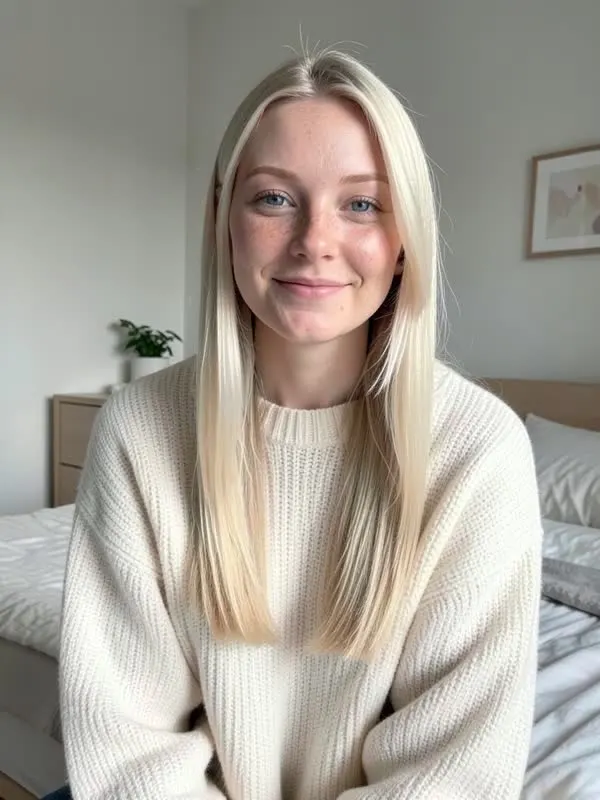
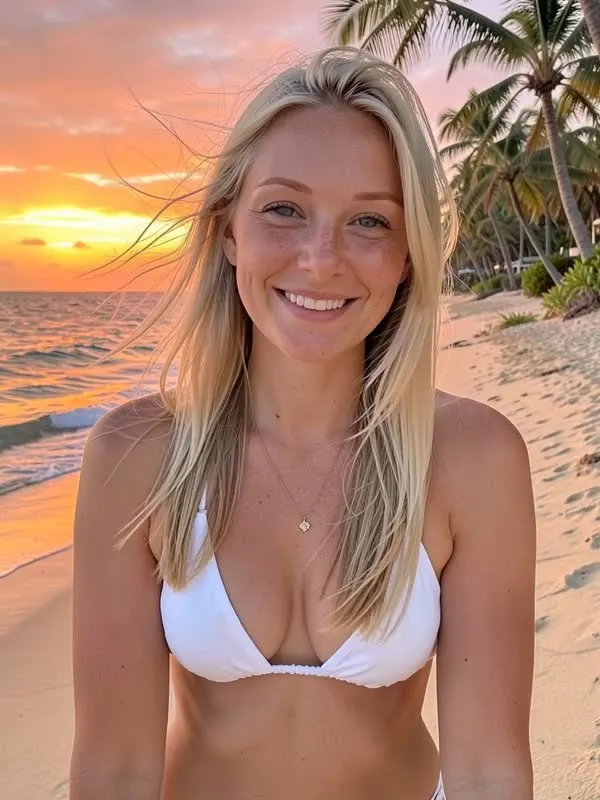
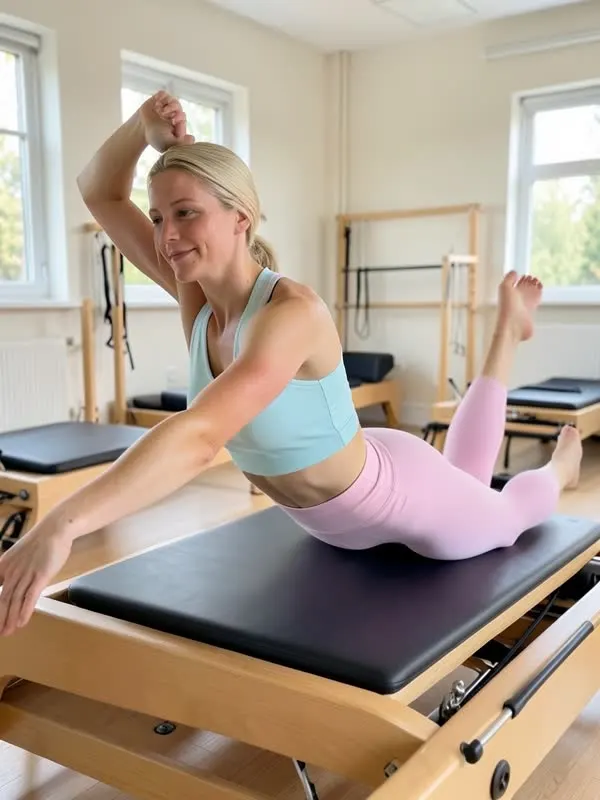
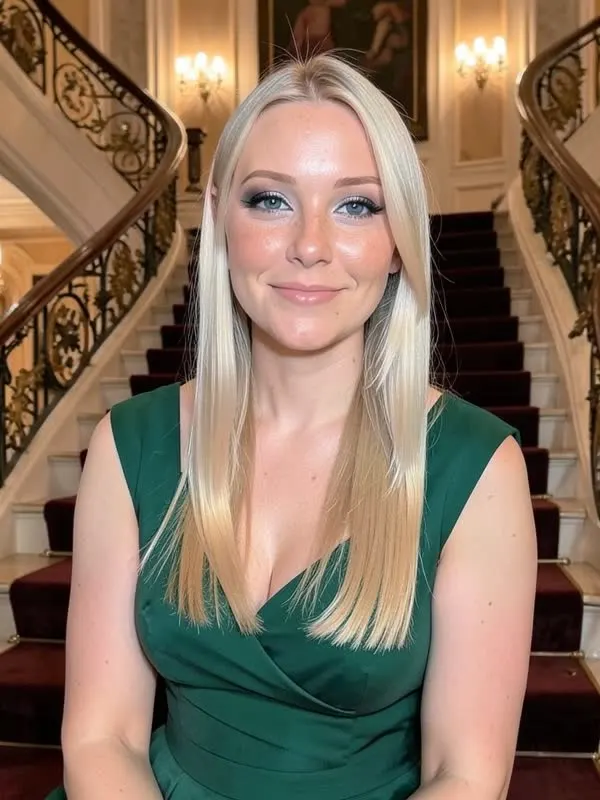
How persona lock works
When you create a model, the face you pick becomes a reference image. Every later request includes up to four reference photos plus a written description of the look. The image model is told to keep the same face, features, skin tone, hair and build, and to change only the scene, outfit and pose.
Tips for a more consistent character
- Add 2 to 4 references. A front view, a three-quarter view and a full-body shot cover most angles. Add any generated photo to the references with one click.
- Keep the description specific. "Long platinum blonde hair, light freckles, blue eyes" holds better than "pretty blonde".
- Change one thing at a time. A new outfit and a new location in one prompt is fine. A new hairstyle can drift the face, so ask for it on its own.
- Regenerate the misses. Persona lock is strong but not perfect. If one photo drifts, run it again instead of posting it.
See it across four models
The photos on the home page show four AutoMuse models, each in four or more scenes. Each started from a single sentence.
FAQ
How many reference images can I use?
Up to four are sent with each request. You can store more on the model page and choose which to keep.
Does it work with my own photos?
Yes. Upload photos of a real creator (with consent) or of an existing AI model you made elsewhere.
Will the face be 100% identical?
Very close in most shots. Extreme angles or heavy changes can drift, so regenerate those.
Is it free?
Yes, on the free engine with a daily allowance.